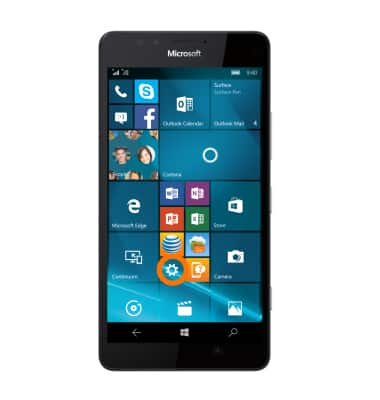
- To check the storage space available on the device, tap the Settings tile.
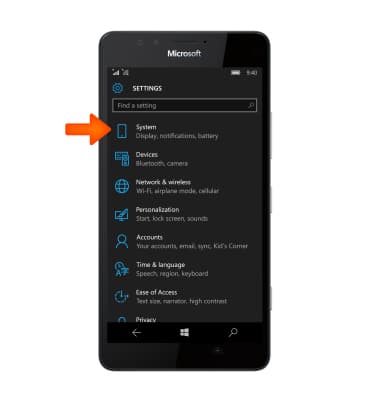
- Tap System.
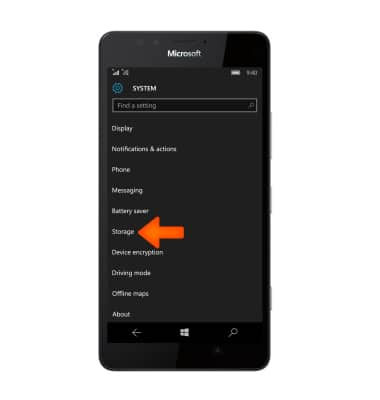
- Tap Storage.
- You can view the Available storage on the device and the SD card. To view more detail about the memory card storage, tap phone.
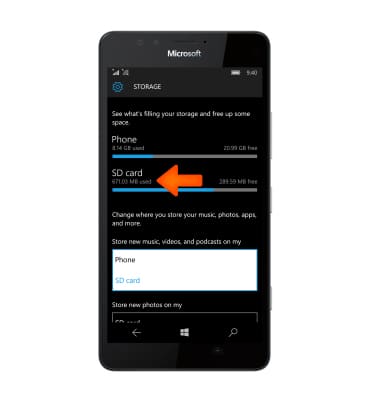
- To change storage location on items, tap on the Desired file types where you want to change the storage location, then tap the Desired location.
Note: In this demonstration, “Music, videos, and podcasts” was selected.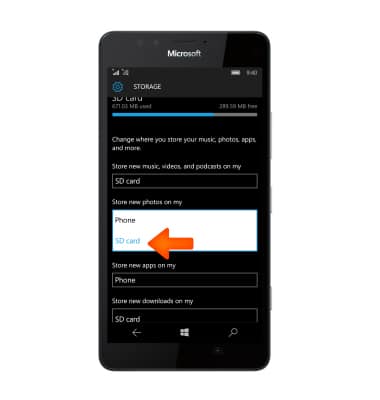
- The storage location is now changed.
Note: This also applies to change storage location for new photos, apps, and downloads.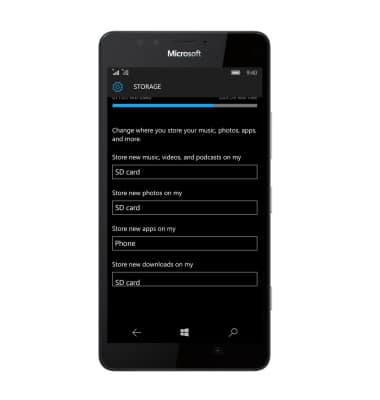
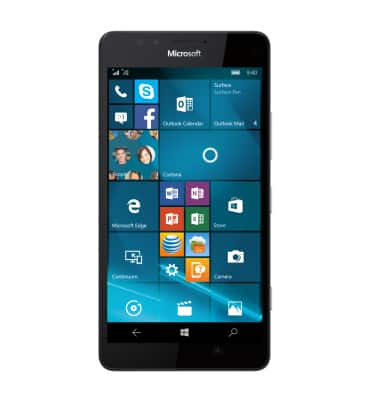
- This device is available with 3.49 GB of usable storage internal memory and the option to add a MicroSD card (sold separately) up to 200GB.
Available memory
Alcatel VOLTA (5002R)
Available memory
Check the available device storage.
INSTRUCTIONS & INFO