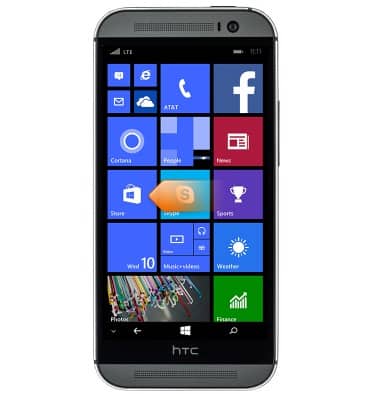
- From the Start screen, swipe to the Apps list.
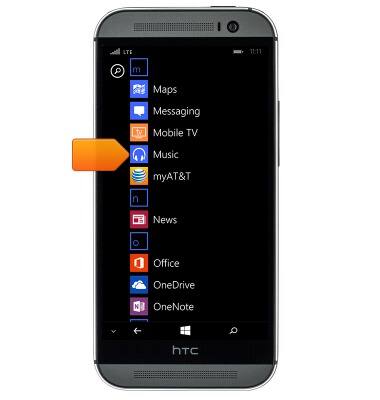
- Scroll to, then tap Music.
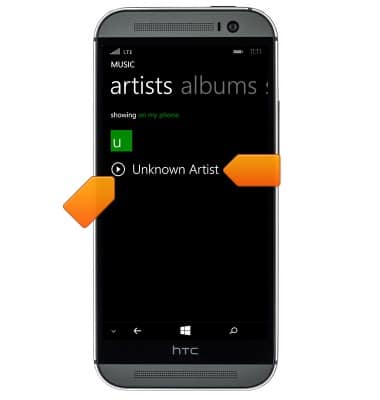
- To play a song, tap the desired option.
Note: For this demonstration, tap 'artists'.
- Tap the desired artist. Tap the Play icon to begin playback immediately.
- Tap the desired album.
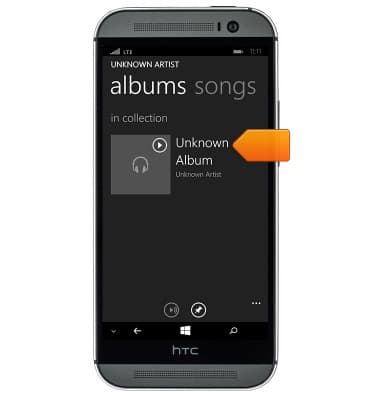
- Tap the desired song.
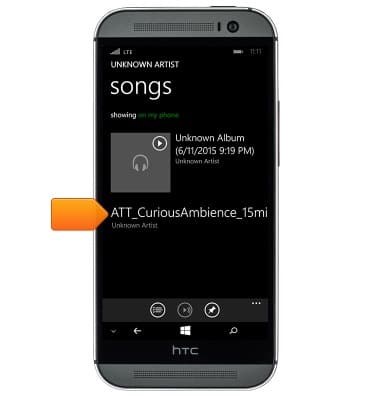
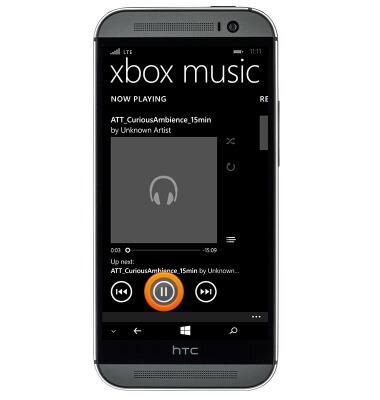
- To pause or resume playback, tap the Play or Pause icon, respectively.
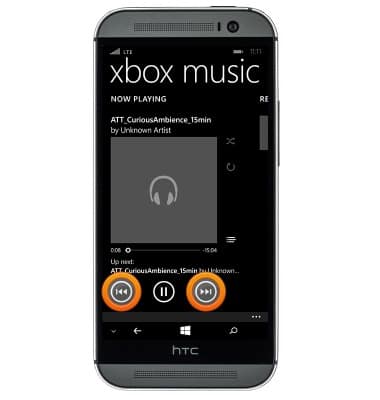
- To skip to the next track or go back to the previous track, tap the Forward or Backward icons. Touch and hold the icons to either fast forward or rewind.
- To toggle shuffle, tap the Shuffle icon.
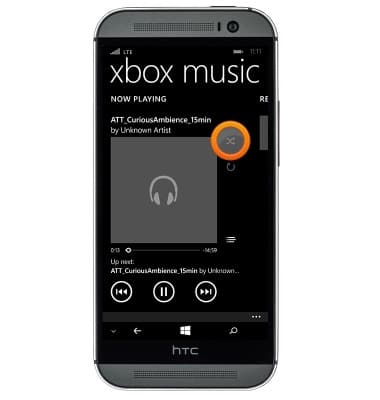
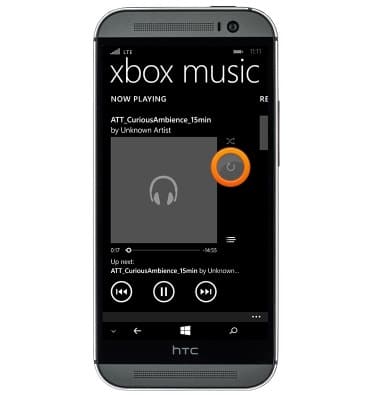
- To toggle repeat, tap the Repeat icon.
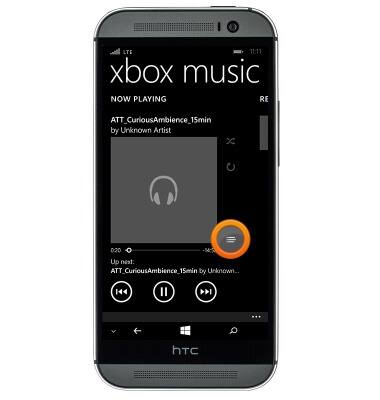
- To view the current playlist, tap the Playlist icon.
- To access the music controls, press the Volume keys from any screen.

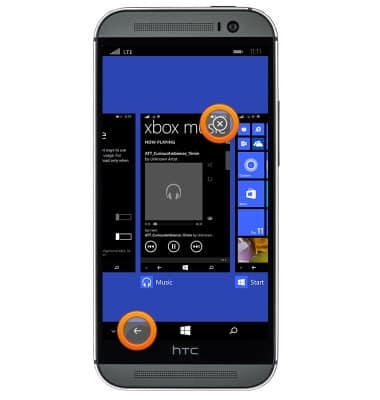
- To close the music player, touch and hold the Back key, then tap the Close icon.
Play music
Samsung Galaxy S10e / S10 / S10+ / S10 5G (G970U/G973U/G975U/G977U)
Play music
Play music, turn the music player off.
INSTRUCTIONS & INFO