
1. Navigate to and select the  myAT&T app.
Note: When you first access the myAT&T app, you will be prompted to read and agree to the End User License Agreement. When finished reading the agreement, select Accept. To learn more, visit the myAT&T website. Review the Notifications, Location and Touch ID prompts and select the desired options.
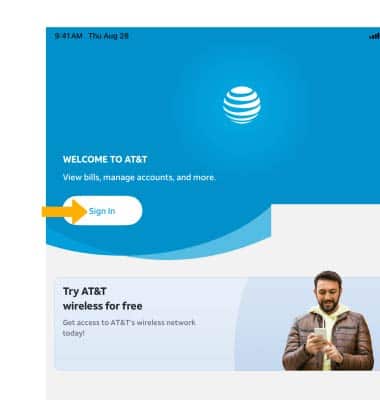
2. Select Sign In.
myAT&T app.Note: When you first access the myAT&T app, you will be prompted to read and agree to the End User License Agreement. When finished reading the agreement, select Accept. To learn more, visit the myAT&T website. Review the Notifications, Location and Touch ID prompts and select the desired options.
2. Select Sign In.
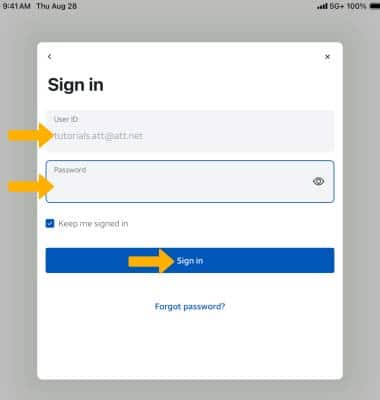
3. Enter your User ID and Password, then select Sign in.
Note: If you have forgotten your password, select Forgot Password?.
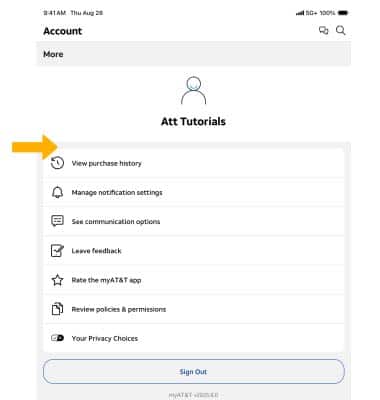
4. Your AT&T account will be displayed.
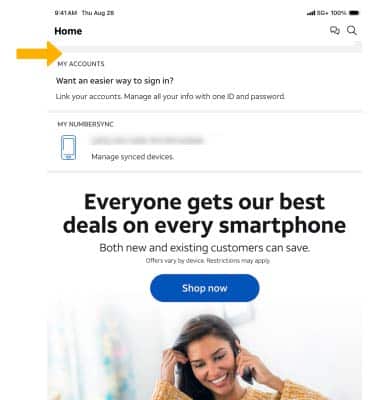
5. Select the
 Account icon to access the myAT&T account overview, Billing & payments, usage, and more. Edit profile settings as desired.
Note: Get more information about tasks you can perform using myAT&T.